Biodata for Marriage › Create Biodata
How to Create Biodata
for Marriage Online
Create a professional matrimonial biodata in under 5 minutes. Add photos, horoscope, and family details — then share with one private link. No Word templates, no file conversion, no design skills.
100% Free · No app download · Works directly on WhatsApp
What Your Biodata Looks Like
This is a live example of a PaperProfile marriage biodata link — photos, family details, and horoscope in one place.
PaperProfile
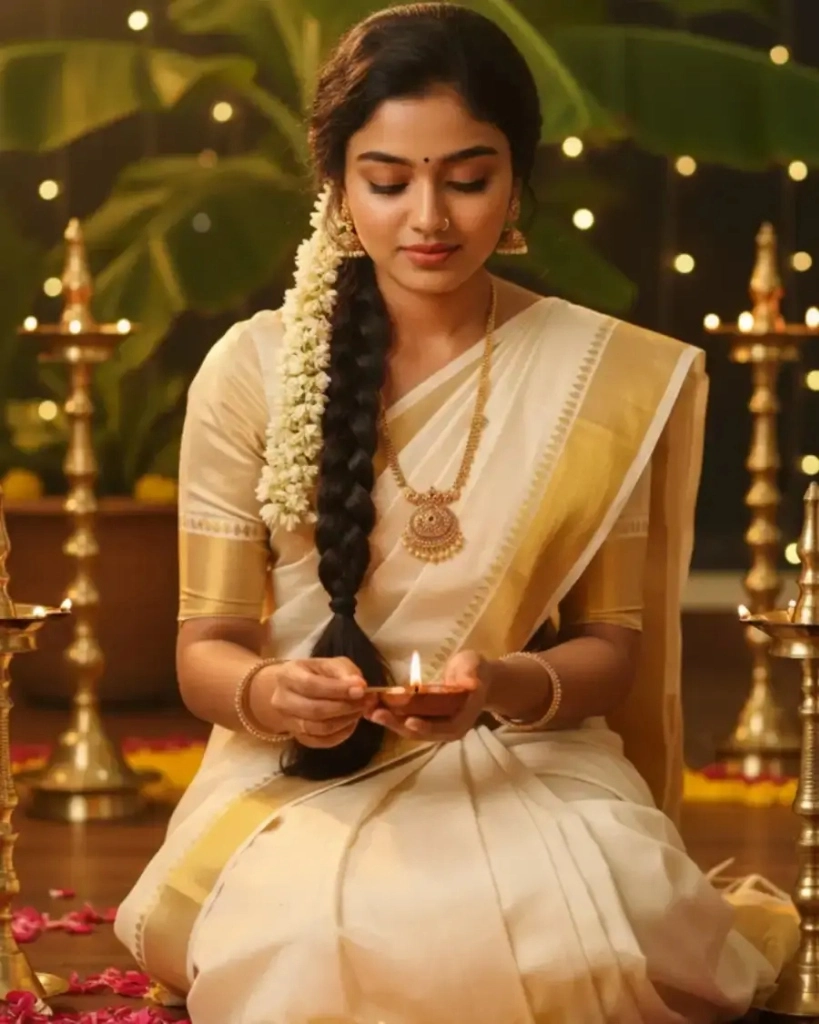
Meenakshi Sundaram
27 yrs · Chennai · Brahmin · Iyer · BE ECE
Photos
MainBasic Information
Horoscope Details
Community & Religion
Education & Career
Family Background
Father manages a business and mother is a homemaker. We are a caring family that values relationships, respect, and personal growth.
About Her
I am a software engineer based in Chennai with a positive outlook on life. I value family, honesty, and mutual respect, and enjoy spending time with loved ones, learning new things, and maintaining a healthy work-life balance. I am looking for a compatible partner with whom I can build a happy and meaningful future.
Created 1 month ago & middot; Updated 2 hr ago & middot; PP27718256
Matrimonial Purpose OnlyThis profile is shared for matrimonial purposes only. Please respect the privacy of the individual and their family.
How It Looks on WhatsApp
Share your profile link on WhatsApp. It sends a clean pre-formatted text message containing candidate details and the private link.
Shared Matrimony Profile
Online

Meenakshi Sundaram | PaperProfile
Meenakshi Sundaram · 27 yrs · Chennai, Tamil Nadu · Software Engineer
"Please find the profile and jathagam details."
Name: Meenakshi Sundaram
DOB: March 1999
Horoscope: Libra, Chitra
Dosham: Rahu Ketu Dosham, Kala Sarpa Dosham
Community: Hindu - Brahmin · Iyer
View Profile:
https://paperprofile.in/p/aditya-sharma
Profile ID: PP27718256
Step-by-Step: Create Your Biodata in 5 Minutes
No design files, Word templates, or converters needed. Just follow four simple steps.
Sign up with OTP
Enter your mobile number to get an instant OTP. No passwords, no email verification — just your phone number.
Fill in Your Details
Choose Bride or Groom. Fill in personal, educational, occupational, family, and horoscope details in a structured form.
Upload Photos & Horoscope
Add your best portrait photos. Drag-and-drop your horoscope chart. Both stay bundled inside your profile link.
Get Link & Share
Copy your private profile link and share it on WhatsApp with prospective families or matrimonial brokers.
Ready to create your biodata?
Join families who switched from separate files to a clean, shareable profile link.
Biodata Guide for Bride & Groom
Different families emphasize different details. Here is what typically matters for each.
How to Create a Bride Biodata
A bride's marriage biodata typically emphasizes educational achievements, career, family values, and lifestyle preferences. Start with a brief personal introduction that clearly states your name, age, height, and community.
Include your highest qualification, university, and current occupation. List your parents' names and their occupations, the number of siblings, and your family's native place. Horoscope details — Rasi, Nakshatra, and Gothram — are expected in most families. Iyer biodata and Iyengar biodata formats often require detailed astrological information.
Upload at least two recent, well-lit portraits. A clear portrait and a full-length photo make the profile more complete for reviewing families.
How to Create a Groom Biodata
A groom's marriage biodata places greater emphasis on professional stability, career trajectory, and family standing. Clearly state your current job title, company or employer, work location, and approximate annual income if comfortable sharing.
Education details should be precise — degree name, institution, and year of passing. Include parents' occupations and current residences. Families from Gounder and Vanniyar communities often focus on education pedigree and family background alongside professional standing.
Attach your horoscope document and include your birth date, time, and place accurately — these are required for matching in most communities. Adding a professional-looking portrait significantly improves the first impression.
Marriage Biodata Example
An ideal marriage biodata example should balance personal introduction with structural clarity. Avoid writing long paragraphs — organize information into clean, clearly labeled sections so reviewing families can scan quickly.
The standard sections in a well-structured biodata example are: Basic Details (name, age, height, marital status), Educational Background, Career & Occupation, Family Details (parents, siblings, native place), Horoscope & Astro Details (Rasi, Nakshatra, Gothram, Manglik status), and a dedicated section for recent photos.
With PaperProfile, all of these sections are pre-structured for you. You fill in the data, and the platform generates a professionally formatted online biodata that looks clean on any device without any additional editing.
Common Mistakes When Creating Marriage Biodata
Avoid these mistakes that reduce your chances of getting positive responses from families.
Too much text
Long paragraphs overwhelm the reader. Keep each section brief and scannable.
Low quality photos
Blurry or dark portraits create a poor first impression. Use a recent, well-lit photo.
Missing horoscope
Many families require it for matching. Attach it directly so it is never missing.
No family details
Prospective families always want to know parents' background and siblings' status.
Sending multiple files
Horoscope + photos + written details sent as separate attachments get lost in long WhatsApp chats.
PaperProfile prevents all of these — photos are bundled, horoscope is attached, and everything stays in one clean link.
Is Online Biodata Safe?
Privacy is the most common concern families have before creating an online biodata. Here is how PaperProfile protects you.
Not listed on Google or any directory
Your profile is not indexed by search engines. Strangers cannot find it.
Only accessible via your private link
Only people you personally share the link with can view your biodata.
Phone number hidden by default
Your contact number is never shown on the shared link unless you choose to show it.
Edit or delete profile anytime
Change details or delete the profile instantly from your dashboard.
What Families Are Saying
What parents & families are saying
Real feedback from families who simplified their marriage search
"Creating my son's biodata on PaperProfile was so easy. Our parents are elderly and couldn't manage multiple files. Now they just copy the link and paste it on WhatsApp. When we needed to correct the job details, we updated it once and everyone saw the change automatically."
Priya K.
Sister of Groom · Bangalore
"We were sharing my daughter's biodata file on WhatsApp. It got forwarded to random groups we didn't know. Once we switched to PaperProfile, the phone number was hidden by default. We have full control over who sees what."
Sundararajan V.
Father of Bride · Chennai
"Much better than sending separate files and photos. Created the profile once, added the horoscope, and shared everything in one link. The broker said it was the cleanest biodata he had received."
Ramesh Sharma
Groom's Brother · Delhi
Popular Biodata Formats by Community
Find community-specific biodata guidelines, important matching fields, and horoscope requirements.
What Information to Include in a Marriage Biodata
A complete checklist of details that families, brokers, and mediators expect to see.
Personal Details
- ✓ Full name
- ✓ Age & date of birth
- ✓ Height & complexion
- ✓ Marital status
- ✓ Time & place of birth
Education
- ✓ Highest qualification
- ✓ University / institution
- ✓ Year of passing
- ✓ Certifications (if any)
Occupation
- ✓ Job title / designation
- ✓ Employer / company
- ✓ Work location
- ✓ Annual income (optional)
Family Details
- ✓ Father's name & occupation
- ✓ Mother's name & occupation
- ✓ No. of siblings
- ✓ Native place
- ✓ Family status
Horoscope & Astro
- ✓ Rasi (Moon sign)
- ✓ Nakshatra (birth star)
- ✓ Gothram
- ✓ Chevvai / Manglik status
- ✓ Birth chart
Photos
- ✓ Recent portrait (clear, well-lit)
- ✓ Full-length photo
- ✓ Casual photo (optional)
- ✓ No filters or old photos
Frequently Asked Questions
How do I create a marriage biodata online?
Sign up on PaperProfile with your phone number, fill in your personal and family details in our structured form, upload your photos and horoscope, and generate a private shareable link. The whole process takes under 5 minutes.
What is the best format to create a biodata for marriage?
A good marriage biodata format includes your name, date of birth, height, community, education, current job, parents' names and occupations, sibling details, and a recent portrait. PaperProfile organizes this structure automatically — no design skills needed.
Can I print a copy of my marriage biodata?
PaperProfile is designed as a secure online link. If a broker requires a physical copy, you can open your private link in any mobile or desktop browser and use the browser's built-in Print feature to print the profile.
Is there a free tool to create biodata for marriage?
Yes. Creating your profile and sharing the link on PaperProfile is completely free. You can add photos, horoscope, and all family details without any payment or subscription.
Do I need design skills to create my biodata?
No design skills needed. PaperProfile handles all formatting automatically. You fill out a form and we generate a professionally styled, mobile-optimized profile page.
Can I edit my biodata after sharing the link?
Yes. Any edit you make in your dashboard reflects immediately on the live link. You never need to create a new link or resend anything — all recipients see the updated version automatically.
How do I create a biodata for a bride?
To create a bride's marriage biodata, sign up on PaperProfile, select 'Bride' as the profile type, and fill in the structured form covering personal details, education, occupation, family background, and horoscope. Upload recent portrait photos and attach the horoscope chart. The platform formats everything automatically into a clean, shareable link.
How do I create a biodata for a groom?
Creating a groom's biodata follows the same process — sign up, select 'Groom', and fill in your professional details, family information, and horoscope. Groom biodatas typically emphasize job title, employer, work city, and income range. PaperProfile structures all of this clearly so reviewing families can evaluate quickly.
What photos should I use in my marriage biodata?
Use a recent, well-lit portrait photo as your primary image. Avoid heavy filters, group photos, or dark backgrounds. A clear face photo and optionally a full-length photo give families the best impression. PaperProfile displays your photos at full resolution — they are never compressed or blurry like WhatsApp attachments.
Should I include my horoscope in the biodata?
Yes, for most South Indian communities horoscope matching is an important step before further discussions. Including your horoscope directly in your profile link ensures it is always available and never lost. PaperProfile allows you to attach your horoscope chart, bundled inside the same link as your biodata.
Can I share my biodata on WhatsApp?
Yes. PaperProfile generates a private profile link and pre-formatted text message containing your details. You can copy and share this text directly on WhatsApp, and recipients open the full profile in their mobile browser.
Is an online biodata link better than a static file?
An online biodata link is significantly better than a static file for most situations. Links never need to be resent after updates, photos stay full resolution, the horoscope is always attached, and your phone number stays private. Static files get lost in chats, become outdated, and are forwarded without your knowledge. PaperProfile is a link-based system, but brokers who need a printed copy can open your link in a browser and print from there.
Is my biodata searchable on Google?
No. PaperProfile profiles are private by default and not indexed by Google or any other search engine. Your profile is not listed in any public directory. Only people you personally share the link with can view your biodata.
How many photos should I upload in my marriage biodata?
We recommend uploading at least two photos — one clear portrait (face photo) and one full-length photo. You can add more photos to give families a better impression. All photos are displayed at full resolution without compression.
Create Your Marriage Biodata Today
Stop struggling with Word documents and static files. Get a clean, private profile link — completely free.
Create Your Free Biodata Now